Choose your portrait
Start with a clear photo. This is the face Muse keeps unmistakably you.
AI MAKEUP & HAIR TRY-ON
Preview makeup, hairstyles, and hair color on your own photo. Muse is an AI virtual try-on app that helps you explore a new look while keeping what makes you unmistakably you.
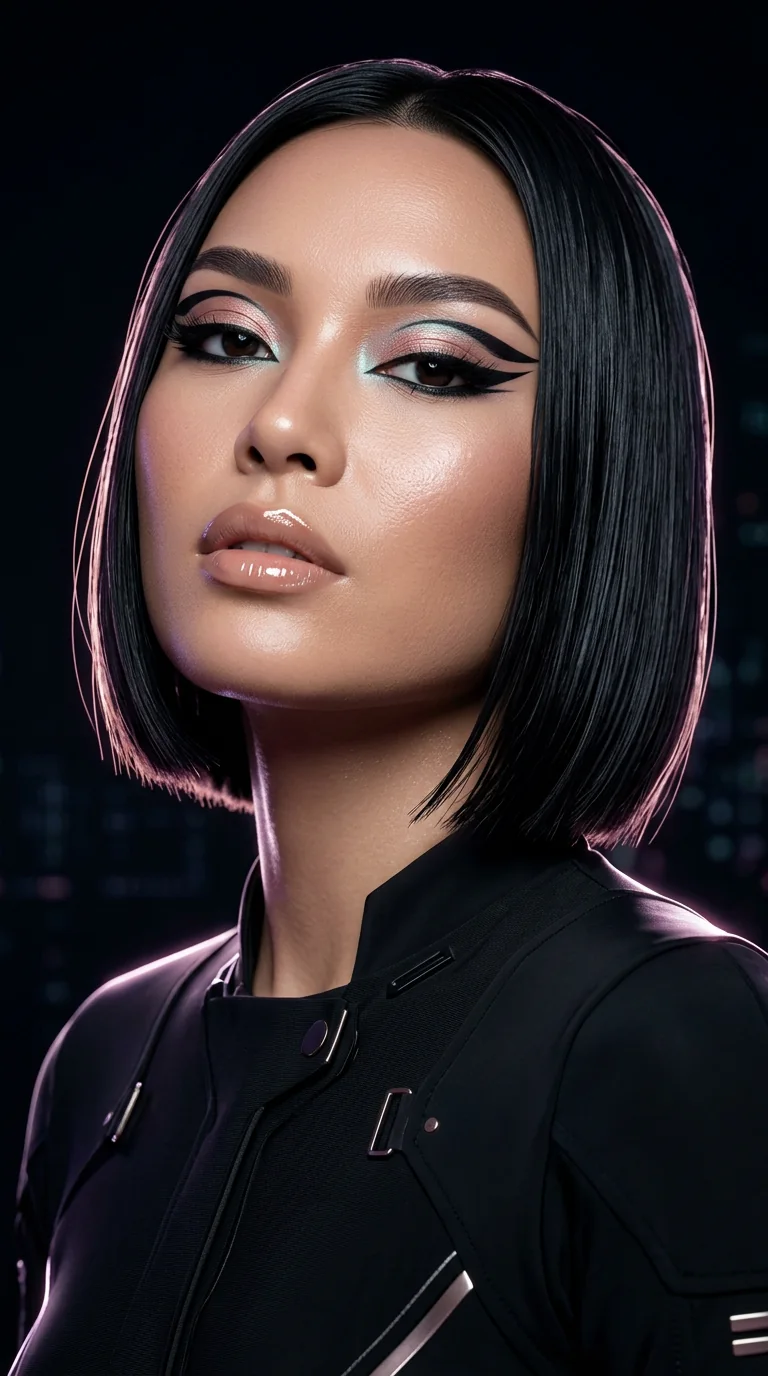 MAKEUP + HAIR
01Your portrait stays yours.
02Uploads are temporary.
03Results save automatically.
HOW VIRTUAL MAKEUP & HAIR TRY-ON WORKS
Start with a clear photo. This is the face Muse keeps unmistakably you.
Add a reference from your camera roll or begin with a curated Muse idea.
Preview makeup, a hairstyle or hair color, or the complete look. You remain the creative director.
GENERATED WITH MUSE
Each sequence shows the original portrait, the visual inspiration, and the generated result—so you can see how Muse follows a look while keeping the person at the center.
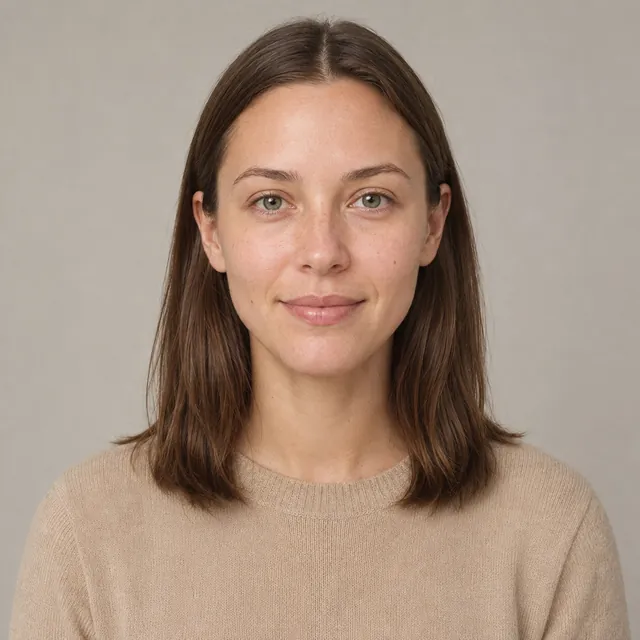
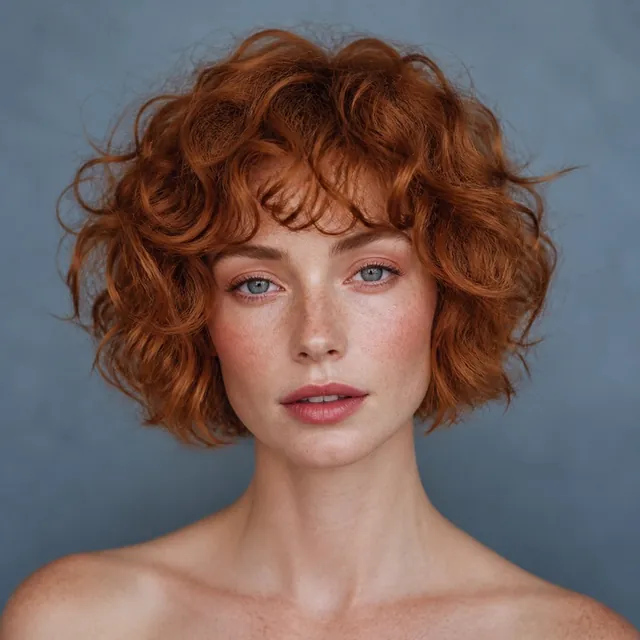
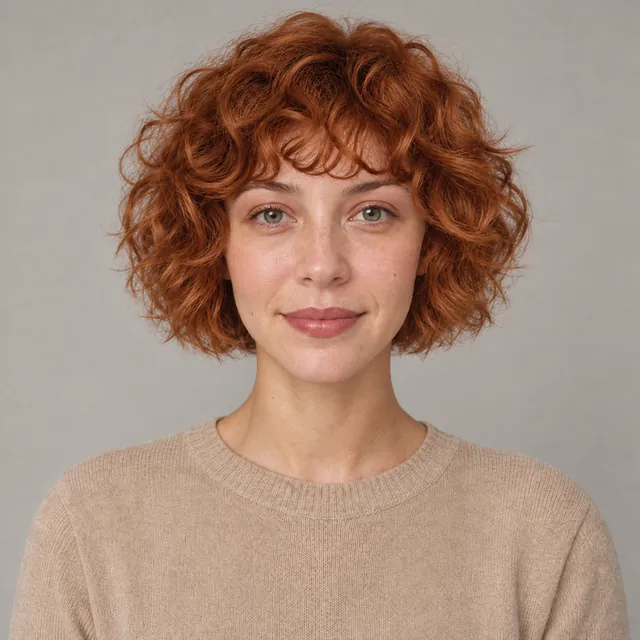
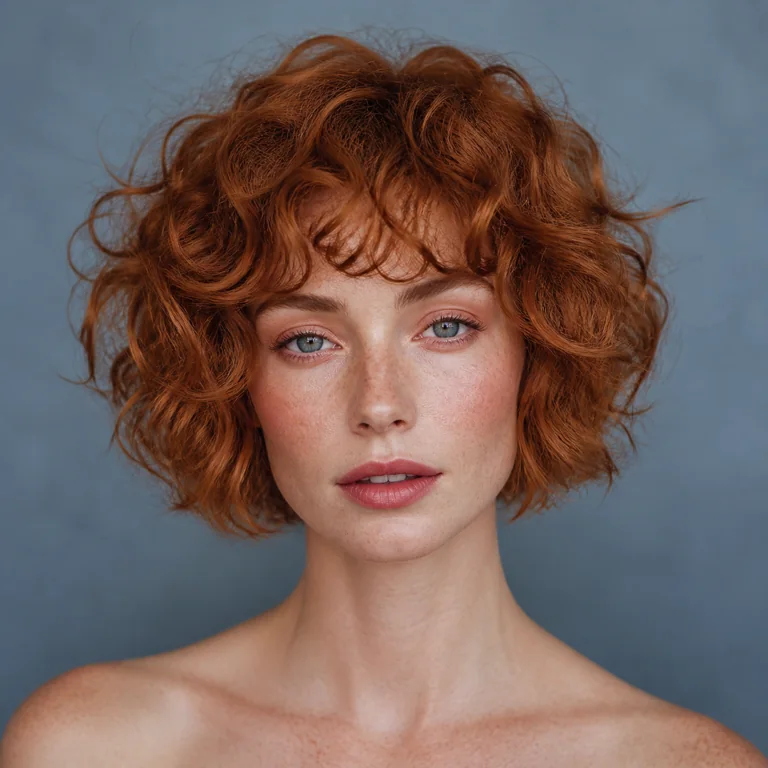
Copper curls, a soft fringe, and warm makeup carry across while the subject's facial features remain recognizable.
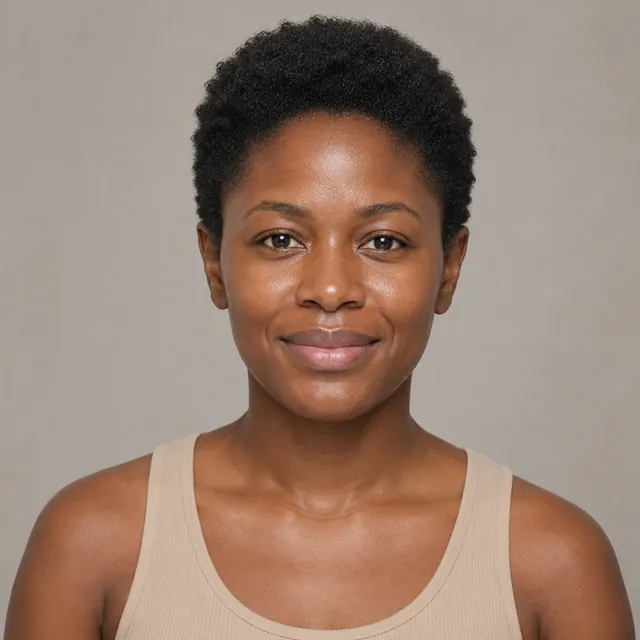
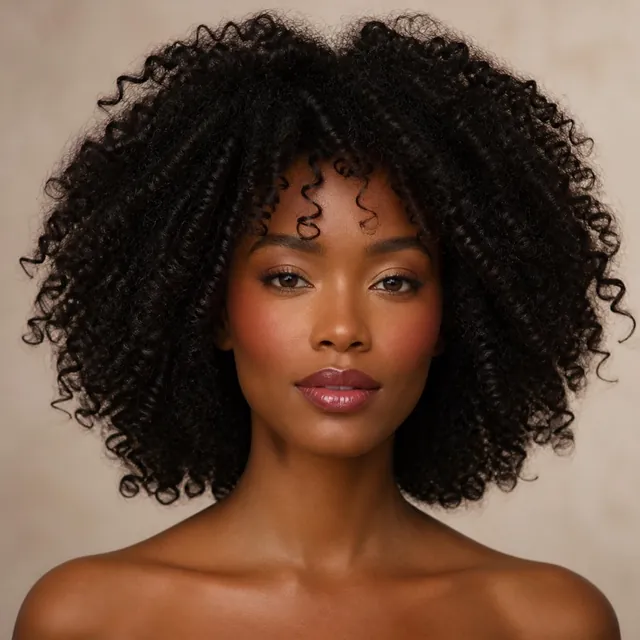
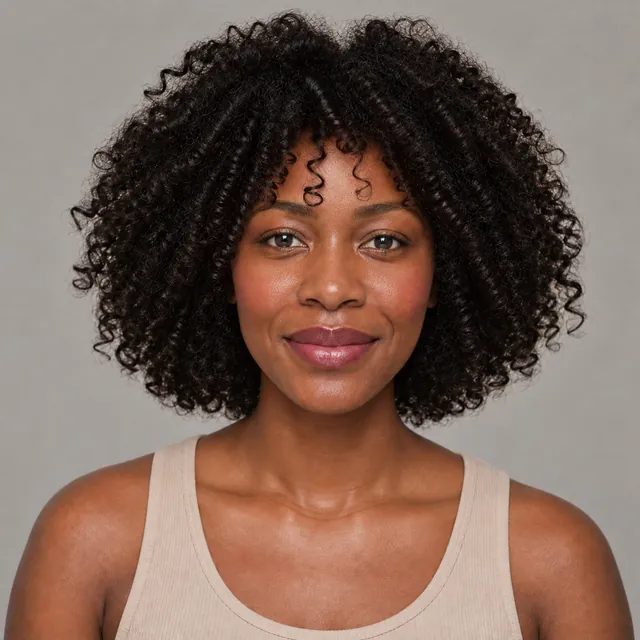
Soft curls and berry-toned makeup move together while the original face remains recognizable.
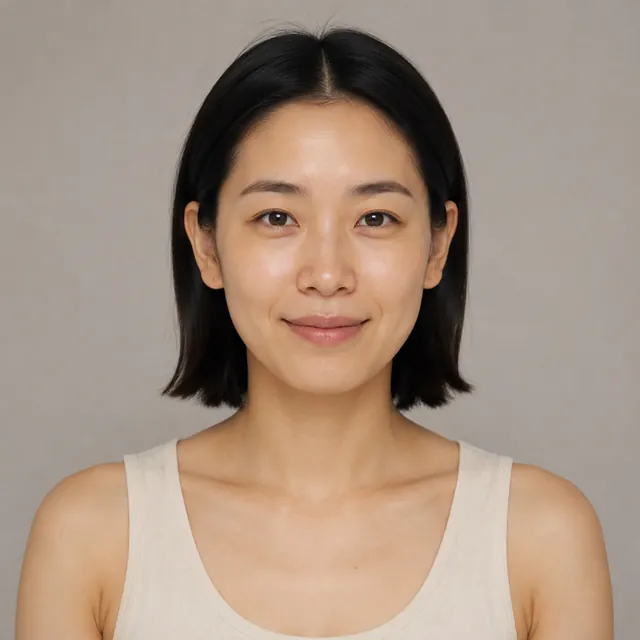
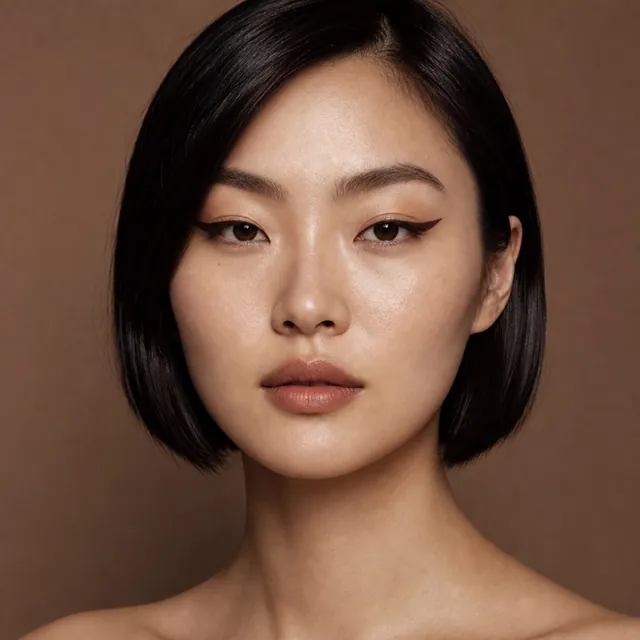
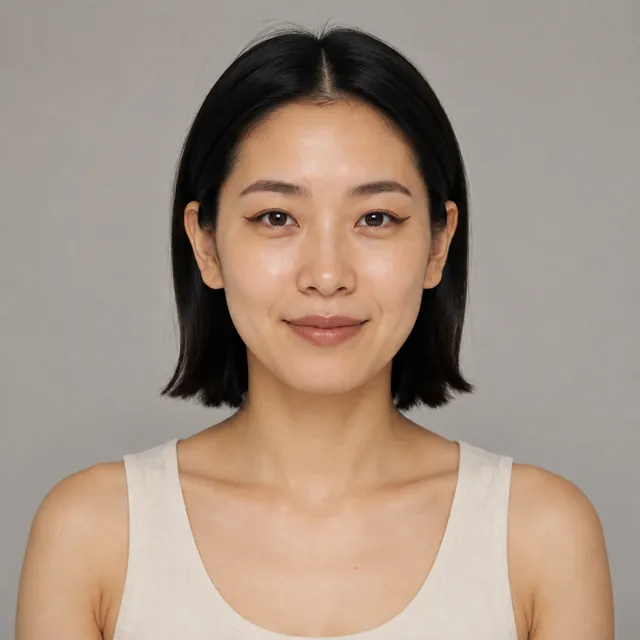
A precise wing is added while the original hair, skin texture, and proportions stay consistent.
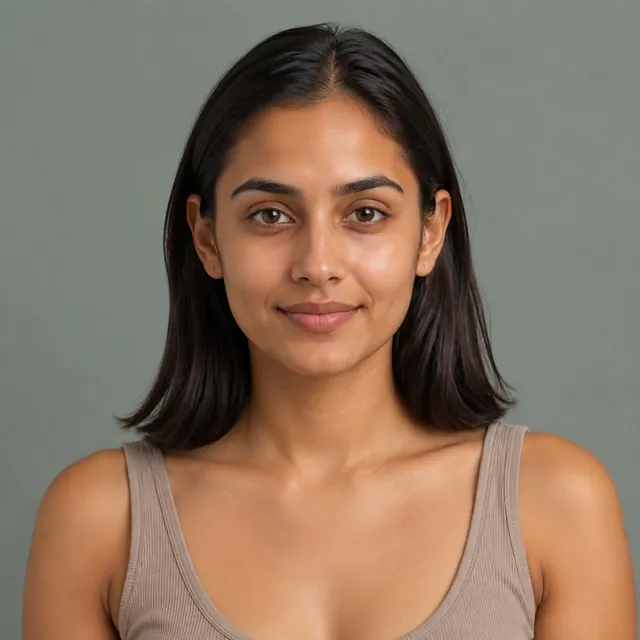
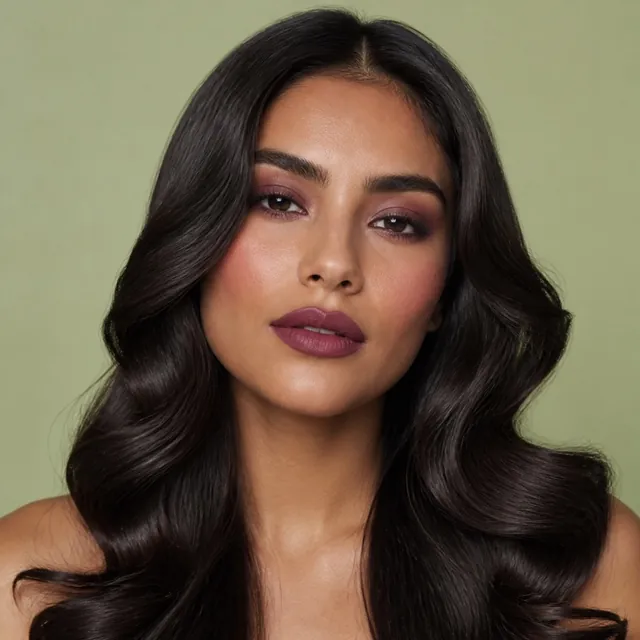
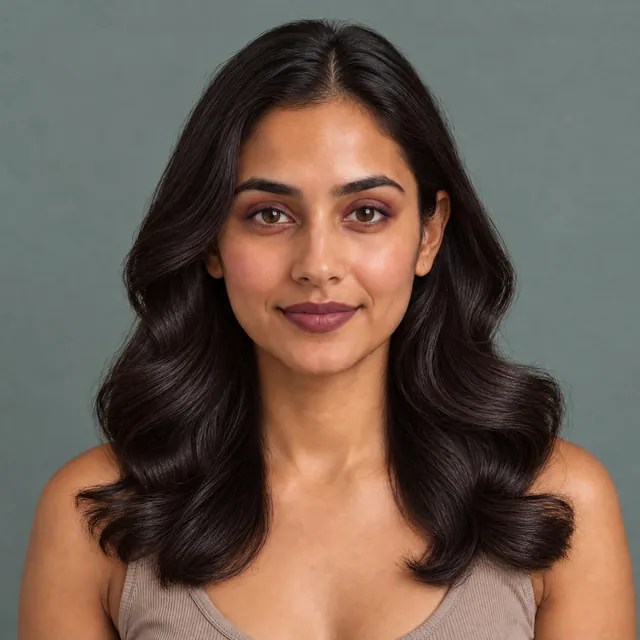
Hair shape and full-face color move together in one coherent look while identity stays central.
Representative outputs from the Muse generation workflow. Results can vary with portrait clarity and the reference provided.
EXPLORE MUSE
Explore a reference makeup look on your own portrait, from soft color to graphic liner.
See how a copper reference changes the color and curl shape in a real Muse example.
Find a clear portrait and a useful reference before you create your next look.
THE STARTING POINT
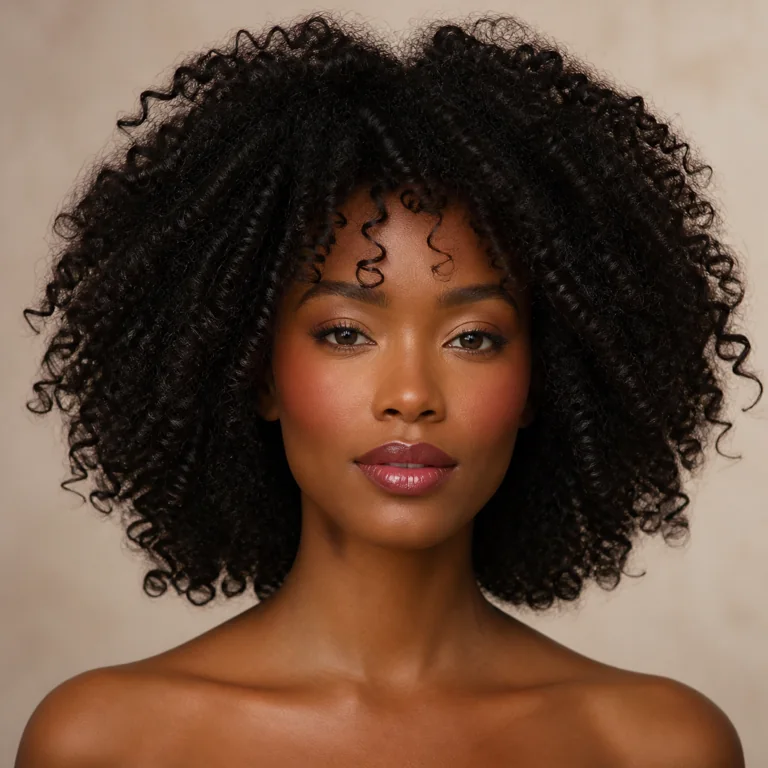
Soft color, graphic liner, high-impact hair—follow a reference or make the direction entirely your own.
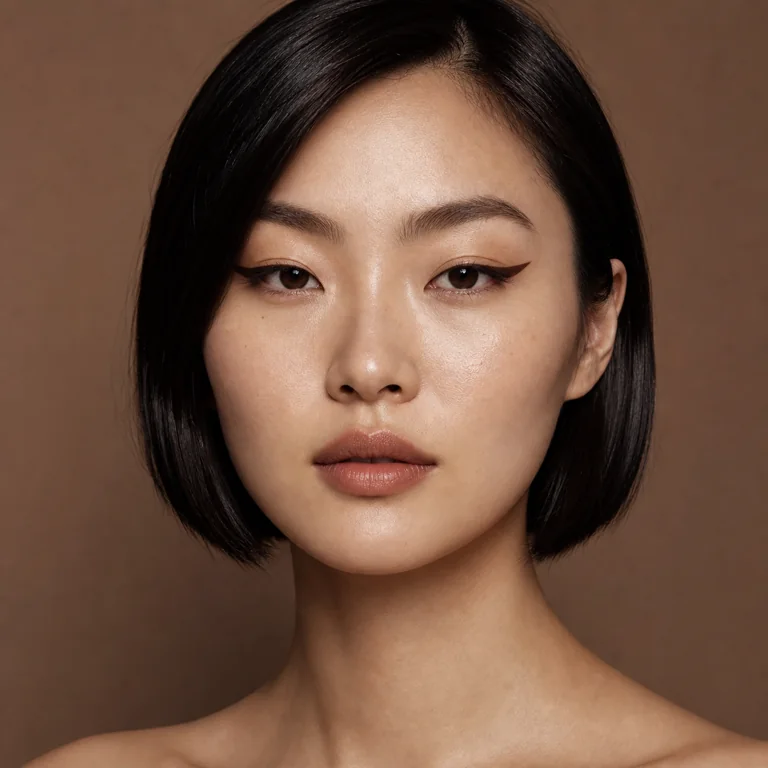
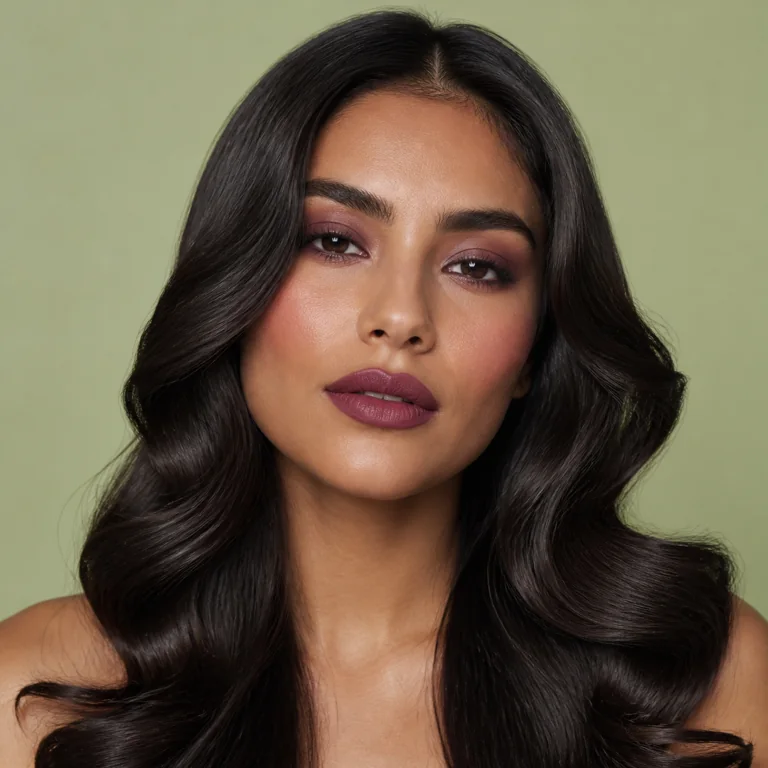
THE MUSE DIFFERENCE
Muse is built around the person in the portrait—not a generic face. It uses your reference to explore the beauty details while preserving the identity, expression, and character that make the image yours.
PRIVATE BY DESIGN
Portrait and reference uploads are used to create the look you ask for, then removed from temporary working storage. Every completed result is automatically added to your private Lookbook until you delete it.
Read our privacy policy →BEFORE YOUR FIRST LOOK
Muse uses AI to create a preview of a beauty look on your own photo. Choose your portrait, add an inspiration image, then apply the makeup, hair, or both. See the portrait, reference, and result examples above.
Yes. Choose hair mode to explore the color and shape in your reference photo, or combine it with makeup for a complete look. Generated previews are a source of inspiration; the result of a real haircut, color treatment, or makeup application can differ.
Start with a clear portrait where your face and hair are visible. Add a reference photo from your camera roll or choose a curated Muse idea. Our portrait and reference photo guide explains what to look for.
Muse is coming soon to iOS and Android. Ask about launch updates or contact Muse support for help.
MUSE IS TAKING SHAPE
Muse is coming soon to iOS and Android.
Ask about launch updates ↗